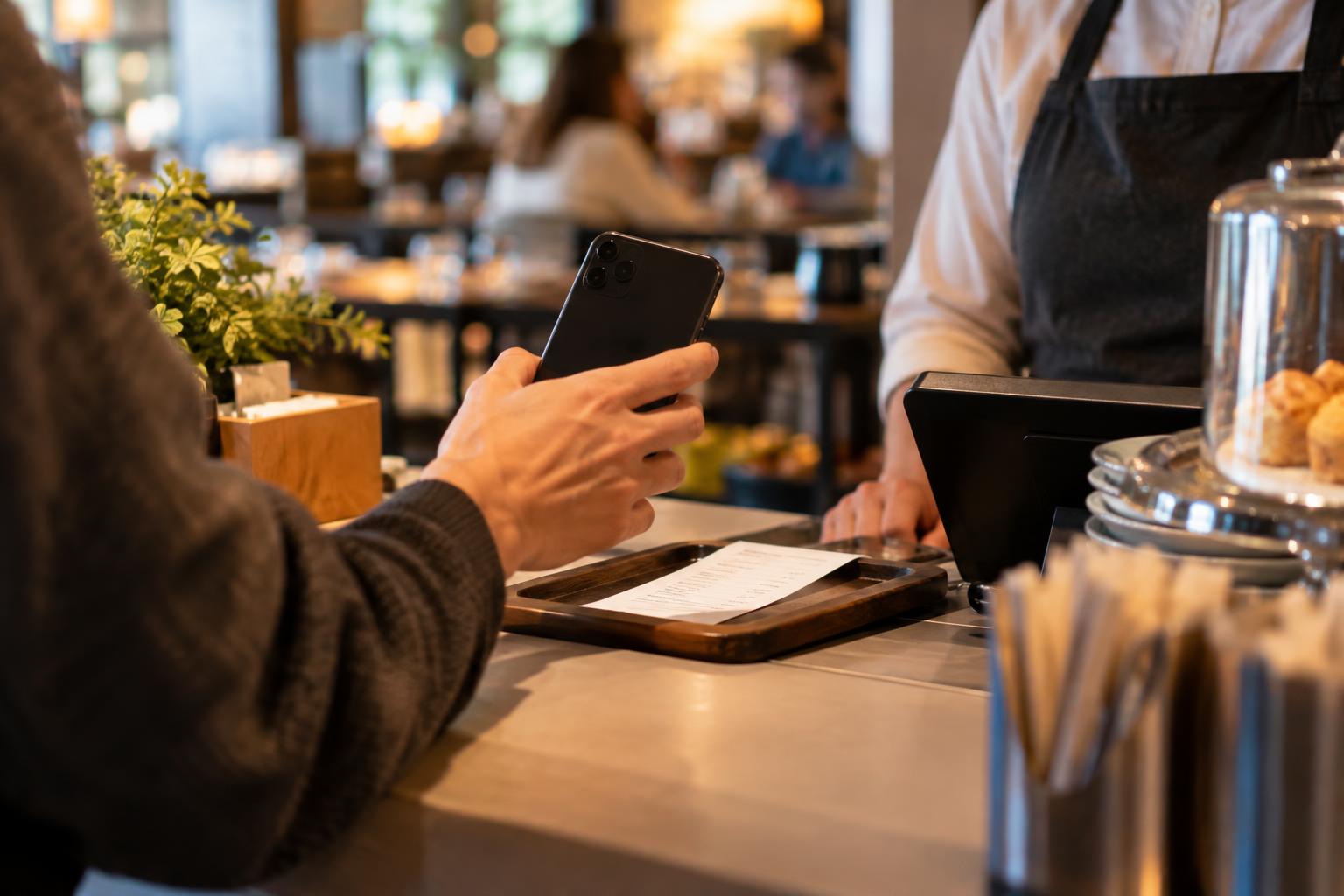
The guest holds up their phone and shows a photo of the menu: the salad is €9, but on the bill it is €11. The cashier is on their own, others are waiting behind the guest, and the waiter is at the other end of the room. What is said in the next ten seconds is most often a matter of mood, not of a rule. This article is only about that moment: what you do when the discrepancy is already there. How it gets that far, and how prices are changed in one place, are covered elsewhere: for changing prices, see the article on changing prices without reprinting, and for the printed and digital menu together, see the article on arranging them.
Why the first ten seconds matter
The guest is not arguing over two euros. They want to find out whether the venue is honest with them. If the answer is “those are old prices”, they hear it as “you are to blame for looking at the old one”. If the answer is silence or a sigh, they hear: “are we in the wrong again?” In both cases the bill gets paid, and trust goes down.
The second reason is the audience. Everyone who is waiting can see an argument at the till. The cashier faces a choice: to give in under pressure or to stand against the guest. Neither outcome is fair, so the choice should not be the cashier’s.
A rule in four steps
The rule is short, so that it can be learned in one shift.
- First: look at the guest’s screen. Do not start with an explanation. Let them show where they saw it, and tell them that flagging it is useful.
- Second: state the facts without blame. For example: “The price on the bill is the current one. What you have there looks out of date, and we’ll correct it.”
- Third: the person designated in advance decides. This is the manager or the shift leader, if they are on site. If not, the cashier has a rule set down in writing and does not make it up alone.
- Fourth: record the case. One line in a notebook or in a shared chat: the date, what the guest showed and where they saw it.
The decision on the difference itself belongs to the owner. Some venues honour the price from a visible menu within a single evening, others do not. Both are acceptable, as long as the rule is clear and the same for all guests. Do not decide it for each guest separately.
What to say and what not to say
The same facts can sound like help or like blame. The difference is in the first words.
- Helps: “Thank you for showing me. Let’s check together.”
- Helps: “The current price is the one on the bill. At your end an old menu is still showing, and we’ll correct it.”
- Does not help: “But that’s a very old menu.”
- Does not help: “Don’t look at Facebook, it’s not correct there.” That sends the guest off to believe you, but does not tell them where to find the correct information.
The team does not need to admit fault, or to criticise a colleague or the previous administrator. It is enough to point to the one correct price and to show that the matter will be corrected.
When the difference is in the ingredients or the allergens
Here the rule is different. If the guest asks about ingredients, allergens or intolerance, the team does not rely on the menu on the guest’s phone, but checks with the cook or in the recipe. If there is no certain answer, the honest thing is to promise nothing and to offer a different dish. Do not give health or legal guarantees. As for the requirements for your venue, check the current obligations that apply to you.
From the case to the source
The guest’s bill is sorted out in a minute. The source stays as it is unless you correct it. That is why the record from the fourth step has to reach someone.
- Once a week, review the recorded cases. If three of them come from the same source (for example a photo on Facebook), fix that source.
- Note which member of the team noticed the discrepancy: that way you know whom to thank.
- Do not punish anyone for flagging a discrepancy. If the team is afraid to record cases, the discrepancies stay hidden.
Over time the list shows where the menu lives and who owns each copy. This is the natural start of the arrangement described in the article on changing prices.
A short instruction for the kitchen wall
You can print it and hang it next to the till:
- I look at the guest’s screen and thank them for flagging it.
- I state the current price without blame.
- The designated person decides, not me.
- I record the date, what the guest saw and where.
- For allergens and ingredients I ask the cook.
Where a single place for the menu can help
If your menu is in one place, the guest rarely has anything to show against the bill, and the team rarely has to make excuses. ISKA Menu lets you edit the menu from the portal and from a phone, and the link stays the same, so the guest opens the latest published version. Changes remain drafts until you publish them. The free plan has no QR code; Plus adds one QR code for the menu. Details are on the pricing page.
This does not replace the rule: a guest may still turn up with an old photo from months ago open. But such cases become rarer and easier to explain.