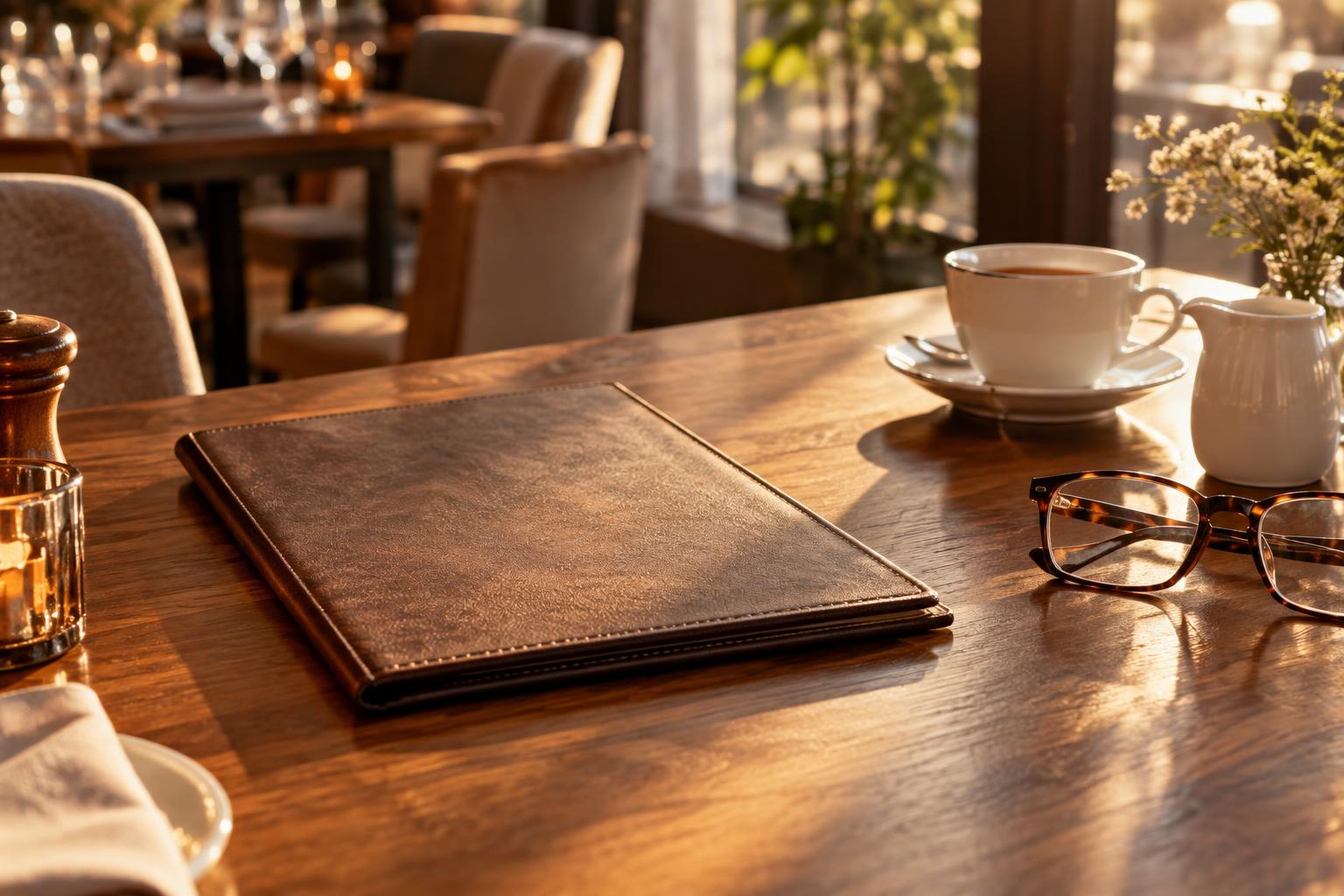
Every venue has a table where the guest simply does not want to take out a phone. It may be a grandfather out for a walk with his grandchildren, a woman who has forgotten her glasses, or someone who has looked at a screen all day and now wants to hold something in their hand. The reasons differ, and the owner's question is the same: how do you offer a digital menu without leaving anyone out and without making the others wait?
The answer is not in the technology, but in the habits of the team. Here is what a sensible routine can look like.
Not all older guests avoid the phone
The first mistake is to divide guests by age. Some older guests read the menu on their phone without trouble, often with an enlarged font. Some younger ones want paper. So do not set a rule based on appearance. The rule is one: every guest gets a choice, and nobody gets a comment about their choice.
If you start offering paper only to people who, in your view, are old, you risk offending exactly them. It is better for staff to offer both to everyone, when it makes sense.
The printed reserve: how many and where
A digital menu is not a reason to throw away all printed menus. A few clean copies are insurance against many things: a guest with a flat battery, a weak signal in a venue with thick walls, a guest who simply prefers paper.
Practical rules:
- Keep a few printed copies at the bar or at the waiters' station, not on the tables. The table stays clean, and the paper is within arm's reach.
- Print them from the same list the guest sees on the phone menu. If you have ISKA Menu Plus, there is a print menu function; otherwise at least one place must be the source.
- Check once a week that the prices on paper and on the phone match. A mismatch between the two is more unpleasant than any inconvenience with the phone.
- Replace crumpled and stained copies. A dirty printed menu tells the guest that the venue has forgotten about it.
For more on arranging both kinds of menu in one venue, see the article on digital and printed menus together.
What staff say
The most important thing is the first sentence. Three versions that work day to day:
- ‘The menu is on your phone through this code, and if you prefer, I will bring you a paper one too.’
- ‘Would you like to look at it on your phone, or shall I bring you a menu?’
- If the guest is already holding the phone hesitantly: ‘No problem, I will bring it right away.’
No explanations are needed about why the venue has a digital menu. Words such as ‘still’ or ‘unfortunately’ are not needed either. The paper is brought with a smile and without comment, as you would bring a glass of water.
A new waitress can learn these phrases in a day. It is good for the owner or manager to try them out on a shift and hear how they sound before you give them to the team.
When the guest cannot see well
Sometimes the problem is not unwillingness, but the size of the letters. This is one of the cases where paper really is better: it can have a larger font. If you know you often welcome guests who find reading difficult, one page with the main dishes and prices, printed in a large font, is more useful than any explanation.
Ask the team too: which questions at the tables keep repeating? If guests often ask about a price or about ingredients, the menu is probably too small, on the phone and on paper. A good reason to review it is the article on the menu on a small screen.
Give everyone the same place in the queue
Guests who use paper should not wait longer. If staff bring a menu to one table and forget another, the digital menu becomes a source of inequality. So:
- Decide who brings the paper: whoever greets the table.
- Do not leave the paper ‘in the service area’. Keep it somewhere visible.
- Ask on each shift whether anyone was refused or had to wait.
Five weeks of observation
You will not know how many printed copies you need until you observe. I suggest a simple plan:
- In the first week, count (by hand, with tally marks on a sheet) how many guests ask for paper.
- In the second and third weeks, note at which times and on which days it is asked for most often. Lunch and dinner may differ.
- In the fourth week, ask the team what they have heard from guests.
- In the fifth week, decide how many copies to keep and where.
These numbers are only for you and show your real venue, not an average statistic. Do not expect all venues to be the same: a resort restaurant, a lunch spot and a cafe have different guests.
Where ISKA Menu helps
If you are choosing a digital menu, it is important that you can maintain the printed version from the same place. In ISKA Menu, the menu is edited from the portal and from a phone, changes are a draft until published, and the link stays the same. The guest opens the menu in the browser, without an app. The Plus plan includes one QR code and a print menu. The free plan has no QR code. For current prices, see the pricing page.
What to do this week
- Count the printed copies and put them in one place.
- Choose one phrase for staff and try it out on a shift.
- Compare the prices on paper with those on the phone.
- Check that the most important dishes can be read on a small screen.